
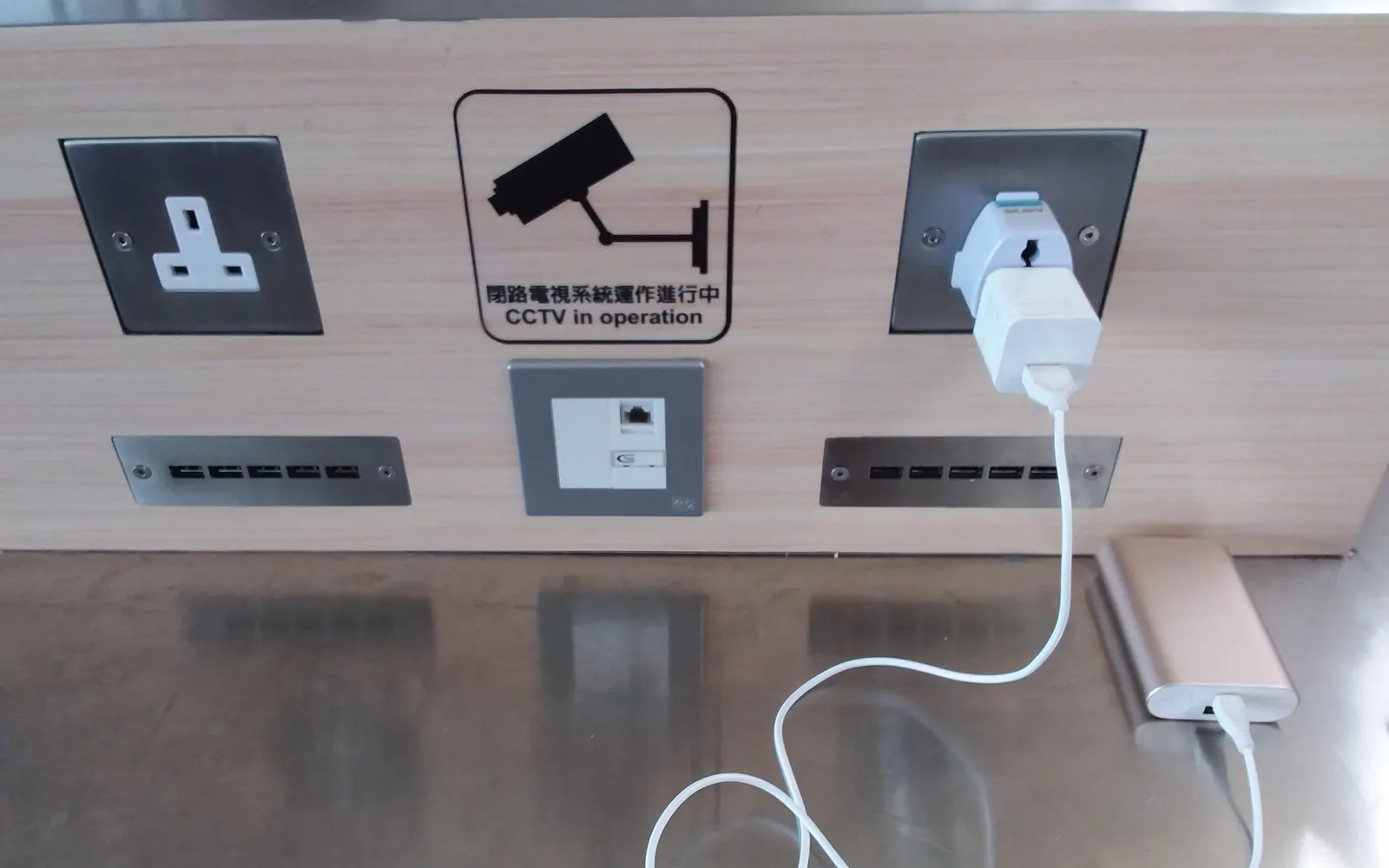
The real risks: theft first, data second
The big risk is simple theft. Public chargers are usually a little away from where you sit, behind you or at the end of a row of seats. You look at a departure board, talk to someone, or go to the counter, and the phone is unplugged and gone in a few seconds. No skill needed.
The second risk you may have read about is 'juice jacking': a tampered public USB port that tries to exchange data with your phone instead of only charging it. Modern Android versions ask before allowing data transfer over USB and default to charge only, so the practical risk is small. It is still sensible to use your own charger in a wall socket, or a cable that carries power only, and to tap 'Charge only' if the phone asks.
The third risk is the ordinary one: you forget it. A phone plugged in behind a chair is out of your sight and out of your mind when the boarding call comes.
A charger removal alarm
Alert24's Charger Removal alarm turns the moment of theft into the moment of noise. Plug the phone in, tap Activate, and after a 10-second countdown it is armed. If anyone unplugs the phone, it beeps for a few seconds as a warning and then sounds a siren at full volume, with the flash and vibration if you want them. Only your PIN, pattern, knock code or fingerprint stops it. Wrong attempts are photographed with the front camera.
The alarm works without internet, so it is just as good in an airport with no Wi-Fi as in your local café. Turn on Automation and it arms itself every time you plug in, so you do not have to remember. Read the full charger removal alarm page.
- Siren when the phone is unplugged, PIN to stop
- Short warning beep so you can cancel it yourself
- Photo of anyone who enters a wrong PIN
- Auto-arm on plug-in with Automation
Use your own charger and cable
Habits that cost nothing and make the alarm rarely necessary.
- Carry a small wall charger and your own cable; wall sockets are more common than USB ports and carry no data
- If you must use a USB port, choose 'Charge only' when the phone asks about USB use, or use a power-only cable
- Sit where you can see the phone, or put it on a charger between you and the wall, not behind you
- A power bank in your bag or pocket means you never have to leave the phone anywhere
- Keep the screen locked while charging, so someone who unplugs it still cannot open it
- At the gym, charge in the locker or not at all; a bench is the easiest place to lose a phone
- Arm the charger alarm before you turn your back, and arm it every time, not only when the place looks risky
Trusted places, so it is quiet at home
The reason people stop using alarms is false alarms at home. Alert24 lets you save trusted places, such as home and work, and a safe Wi-Fi. When automation arms the charger alarm and you are at a trusted place or on a safe Wi-Fi, unplugging does not trigger it. Away from those places, it arms and rings as usual. You can also pause alarms for 30 minutes when you know you are about to unplug.
An alarm you arm by hand on the card sounds everywhere, including at home. So use automation for daily life and manual arming when you want to be certain. See trusted places and auto-arm and the gym, office and public charging use case.
Frequently asked questions
Does the alarm work with a power bank?
Yes. The alarm reacts to the phone losing its charging connection, whether that is a wall charger, a USB port or a power bank.
What if I unplug it myself?
There is a warning beep before the siren, a few seconds by default. Unlock the phone during the beep and the alarm is cancelled and disarmed. You can change the beep length in Settings.
Will it ring if the phone is on silent?
Yes. The siren plays on the media volume and Alert24 raises it to maximum when the alarm starts.
Is juice jacking real?
It has been demonstrated, and public warnings exist, but confirmed cases are rare and Android asks before allowing data over USB. Your own charger removes the question entirely.
Arm it before your next flight
Install Alert24, turn on Charger Removal automation, and your phone protects itself every time you plug in away from home.