
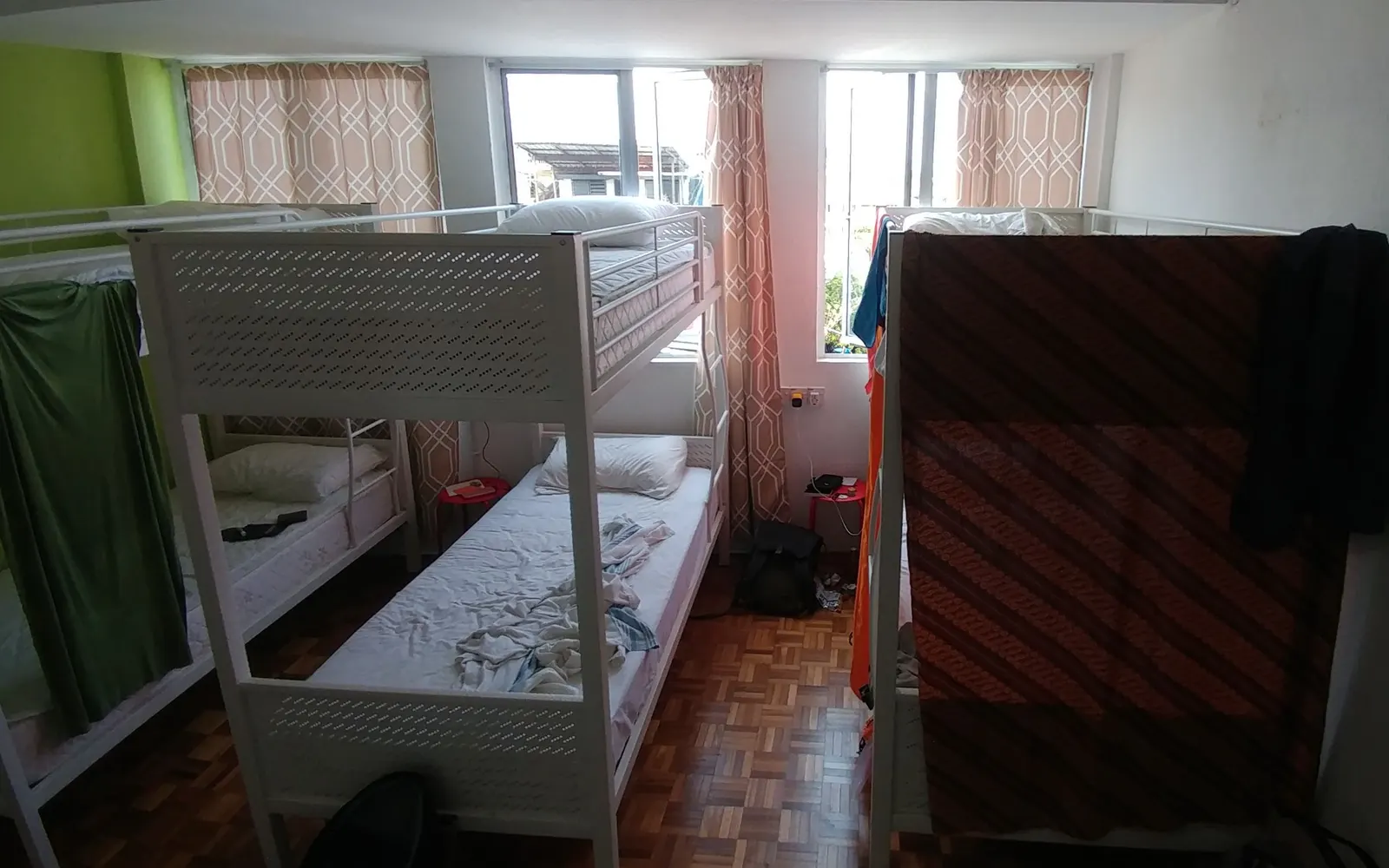
Night-time risks in shared rooms
In a shared room the risk is not a stranger in the street. It is the person in the next bunk, who knows exactly where your phone is and when you are asleep or in the shower. Most people are honest. You only need one who is not.
There is a second, quieter risk: someone picking up your phone not to steal it, but to look through it. A flatmate who has watched you unlock it. A dorm-mate who is curious. You may never know it happened, unless your phone tells you.
Alert24 handles both. An alarm for the phone being taken, and a photo for the phone being opened.
Charger alarm while it charges by the bed
Plug the phone in, open Alert24 and arm the charger removal alarm. It only arms while the phone is charging, and it fires the moment the cable is pulled out. There is a beep first, then the siren at full volume with the torch strobing. In a dark dorm that is impossible to ignore, and it points straight at the person holding your phone.
You can also switch on automation so the charger alarm arms itself every time you plug in. If you do, remember it stays paused inside your trusted places, so keep the hostel off that list.
- Arms only while plugged in; fires on unplug
- Beep first, then siren, flash and vibration
- Silent front-camera photo when the alarm starts
Motion alarm with a low pre-beep
Going to the shower or the kitchen? Leave the phone on the bunk and arm Don't Touch My Phone. If anyone lifts it, the beep starts, then the siren. Set the sensitivity a little lower on a bunk bed, because someone climbing the ladder shakes the whole frame.
Keep the pre-alarm beep. Five seconds is enough for a bunk-mate who moves your phone to make space to put it back down, and short enough that a thief does not get far. You can change it per alarm in Settings under Pre Alarm Beep Settings.
Intruder selfie and Phone Access Snap for the roommate who knows your PIN
Turn on the device intruder alert in Intruders Pictures. After a number of wrong unlock attempts that you choose (one, two or three), Alert24 takes a silent photo with the front camera and sounds the alarm until the phone is unlocked correctly. It needs device admin permission and your Google sign-in. The photo is saved with the time and place, and uploaded to your account so you can see it from another phone.
But what if they know your PIN? That is what Phone Access Snap is for. It takes a photo on every unlock, groups the photos by face, and shows you when each person unlocked the phone and for how long. Mark your own face as "me" and anyone else stands out. These photos never leave the phone.
- Wrong unlock code: photo, siren, and an upload to your account
- Correct unlock code by the wrong person: a photo and a time, kept only on the phone
- Change your unlock code if you see a face you did not expect
Trusted places: do not add the hostel
Trusted places pause the automatic charger and earphone alerts within about 20 metres of a saved spot. They are for home and your own desk, where you plug in and unplug a dozen times a day. A hostel, a dorm or a shared flat with people you do not know is not a trusted place, however long you stay. The same goes for safe Wi-Fi: do not save the hostel network as one.
If the app shows a "save this location" prompt when an alarm auto-arms, dismiss it.
Shared-room checklist
- Charger alarm armed every night before you sleep; automation on if you tend to forget
- Motion alarm when the phone stays on the bunk and you do not
- Device intruder alert on, set to one or two attempts
- Phone Access Snap on, your own face marked as "me"
- App lock on, so nobody can disarm Alert24 without your PIN
- Hostel not saved as a trusted place or safe Wi-Fi
- Phone screen lock on, and a lock code you have not typed in front of everyone
Keep reading
Sleep better in a room of strangers
Alert24 is free on Google Play. Arm the charger alarm tonight and let the phone wake the room if anyone touches it.